
When a key employee suddenly falls ill or is involved in an accident, the business doesn’t stop - but too often, its systems do. Critical accounts lock up. Servers go dark. Customer data becomes unreachable. The culprit? Passwords. Not because they’re weak, but because no one else can access them. This isn’t a hypothetical risk. It’s happening every day in small businesses and large corporations alike.
Most business continuity plans focus on power outages, natural disasters, or cyberattacks. They have backup servers, redundant networks, and disaster recovery protocols. But very few address the simplest, most common point of failure: a human being who can’t log in. If the only person who knows the admin password for the accounting system, the cloud storage vault, or the vendor portal is out of commission, the company can grind to a halt - even if every server is running perfectly.
Why Passwords Are the Silent Weak Link
Passwords aren’t just codes. They’re keys to entire operations. One person might hold access to:
- The company’s payment processor
- The cloud-based HR system
- The domain registrar account
- The encrypted backup archive
- The multi-factor authentication recovery codes
Without those, you can’t pay suppliers, update payroll, renew your website, restore data, or even log into your own IT helpdesk. And here’s the kicker: most employees don’t even realize they’re the single point of failure. They assume someone else will figure it out. They don’t document anything. They use personal password managers. Or worse - they write passwords on sticky notes.
According to ManageEngine, over 60% of data breaches involve compromised credentials. But the real danger isn’t hackers - it’s silence. When the person who knows the password is gone, the system becomes a locked vault with no key, no backup, and no legal pathway to open it.
Legal Barriers Are Real
Even if a colleague finds a password written down, they might not be able to use it. Platforms like Google, Microsoft, Apple, and banks have strict policies. Without legal authorization, even a spouse or sibling can be denied access. This isn’t about distrust - it’s about liability. Companies can’t risk handing over credentials to someone who might be acting without authority.
That’s why a durable power of attorney (DPOA) must include digital asset language. A standard DPOA covers bank accounts and property. It rarely mentions email, cloud drives, or SaaS logins. But if your business relies on a Google Workspace admin account, and your DPOA doesn’t name it, you’re legally stuck. The bank might release funds, but your CRM will stay locked.
Role-Based Access: The Smart Alternative to Master Passwords
Forget the idea of one master password everyone knows. That’s a security nightmare. Instead, use role-based access control (RBAC). This means:
- Each critical system has one primary user
- One or two backup users are pre-assigned by role
- Access is granted only when the primary user is verified as incapacitated
For example, the CFO doesn’t need access to the marketing platform. But the Head of Finance - who handles billing - should be able to log into QuickBooks if the CFO is out. The system doesn’t give them the password. It gives them the right to use it, based on their role.
This removes the need for shared passwords. It limits exposure. And it makes audits possible. If someone logs in during an emergency, the system logs who, when, and why. That’s accountability. That’s compliance.
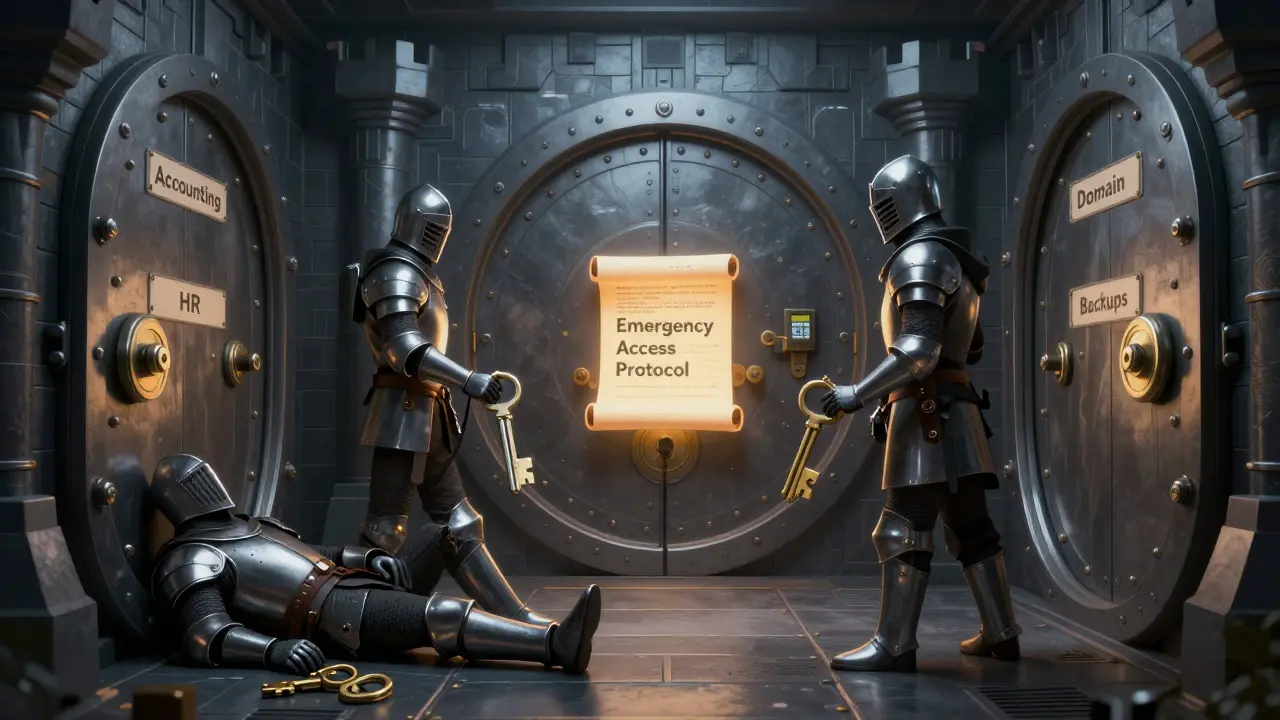
Encryption Vaults Over Paper Lists
Storing passwords in a Word doc, a spreadsheet, or a physical notebook is a disaster waiting to happen. Paper can burn. Digital files can be deleted. Cloud backups can be hacked.
The solution is a secure, encrypted vault - not just any password manager, but one designed for organizational use. These vaults are different from personal tools like LastPass or Bitwarden. They include:
- Multi-user access controls
- Role-based permissions
- Emergency access triggers
- Activity logging and audit trails
Some platforms like Vaulternal (vaulternal.com) address this by using encrypted storage with automated triggers. If a user doesn’t log in for six months, the system automatically notifies designated contacts and releases credentials - no manual intervention needed. This isn’t about death. It’s about inactivity. And that’s exactly what you need for incapacity.
Multi-Factor Authentication: The Double-Edged Sword
MFA is essential. But it’s also the biggest obstacle in incapacity scenarios. If your admin uses a YubiKey, and it’s in their locked office drawer - no one can log in. If they rely on SMS codes sent to their personal phone - you can’t access it.
The fix? Two approaches:
- Store backup recovery codes in the encrypted vault
- Pre-register backup personnel as secondary MFA devices
Some systems allow you to assign a backup authenticator app or hardware key. That way, if the primary user is out, the backup user can generate the second factor themselves - without needing the original device.
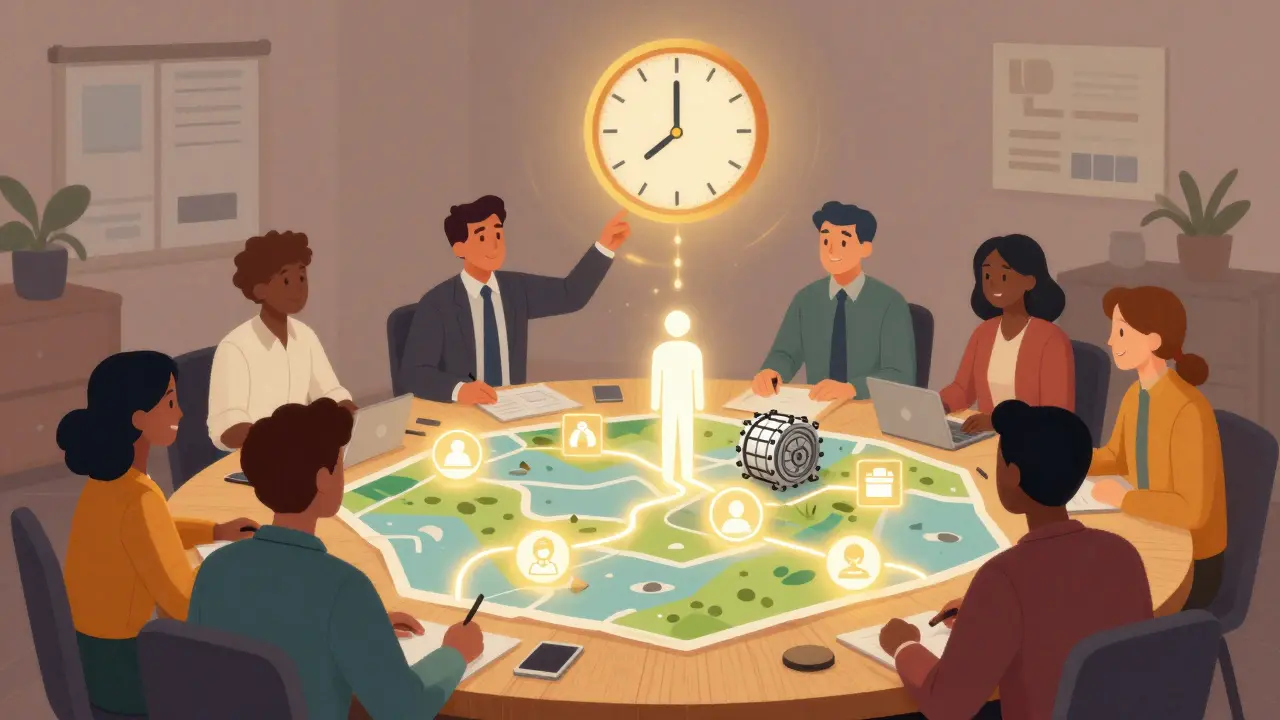
Testing Isn’t Optional
You wouldn’t run a fire drill without checking the exits. So why test continuity plans without testing password access?
Quarterly drills should include:
- Verifying that backup users can log into the encrypted vault
- Retrieving credentials for a critical system
- Successfully logging into that system
- Confirming all actions are logged
If the password doesn’t work. If the vault won’t open. If the backup user doesn’t have the right permissions - you’ve just found a gap. Fix it before someone’s life changes forever.
Compliance Isn’t Just a Box to Check
Regulations like ISO 27001, SOC 2, and HIPAA require documented continuity plans. They don’t say “make sure passwords are accessible.” But they do say “ensure systems remain operational during disruptions.” And if your systems are locked because no one can log in - you’re not compliant.
Healthcare providers must access patient records. Financial firms must process transactions. If incapacity blocks access, you’re violating compliance. That means fines. Reputational damage. Legal exposure.
It’s Not Just About Business - It’s About People
Business continuity isn’t about servers. It’s about people. The employee who works late to fix a system. The manager who handles payroll on weekends. The owner who built the company from scratch. When they’re gone, the business shouldn’t collapse.
Planning for password access isn’t cold or robotic. It’s human. It’s about honoring the work someone did - by making sure it doesn’t vanish when they can’t be there.
The best continuity plans don’t just survive disasters. They honor the people who made the business possible. And that starts with knowing who holds the keys - and making sure someone else can use them, if needed.





Florence Pardo
March 24, 2026 AT 17:14Man, I never thought about this until my cousin’s dad passed away last year. The guy ran a small HVAC biz, and they lost access to the billing system for three weeks because he was the only one who knew the password. No one even knew where he kept it. They had to pay out of pocket to keep the lights on. It’s wild how something so small can wreck everything.
And honestly? Most people don’t even realize they’re the single point of failure. They think, ‘Oh, I’ll just tell someone if I’m gone.’ But you don’t plan for ‘if.’ You plan for ‘when.’
I started using a business vault after that. Not some Google Doc. A real encrypted one with role-based triggers. Now my team can access everything if I’m in the hospital. No drama. No panic. Just… work keeps going.
It’s not about distrust. It’s about respect. For the people who depend on you. For the business you built. For the legacy you want to leave behind. It’s not cold. It’s caring.
And yeah, MFA is a nightmare if you don’t plan for it. I’ve got backup keys locked in a safe with my CFO and our IT guy. No one else gets in. But if I’m out? They don’t need to call me. They just log in. Simple.
People think continuity is about servers and backups. Nah. It’s about people. And passwords. And the quiet, unsexy stuff no one talks about until it’s too late.
Tammy Stevens
March 26, 2026 AT 04:52Role-based access is the only way forward. I’ve seen too many companies try the ‘master password’ route and it ends in tears. Or worse - lawsuits.
At my old job, we had this one guy who held every key. HR, payroll, vendor portal, AWS, domain registrar - everything. He got sick. No one could touch anything. Took 11 days to get legal clearance just to reset a password. We lost three clients during that time.
Now we use a vault with auto-triggered emergency access. If someone doesn’t log in for 180 days, the system auto-notifies their backup. No human intervention. No delays. No ‘I’ll get to it later.’
And yes, MFA is a double-edged sword. But if you pre-register backup authenticators? Game changer. We use YubiKeys with backup codes stored in the vault. No more ‘oh no, his phone is in his desk drawer.’
Compliance isn’t a checkbox. It’s a lifeline. ISO 27001 doesn’t care if you’re ‘busy.’ It cares if you can prove you can operate during disruption. And guess what? Password access is part of that. No way around it.
Justin Credible
March 26, 2026 AT 18:11bro i just had this happen last month. my boss died suddenly. we had to scramble to get into the accounting software. turned out he had the pw written on a sticky note stuck to his monitor. we found it… but the 2fa was on his personal phone. no way to get in. we had to call the vendor, beg, cry, send death cert, wait 3 weeks. lost payroll cycle. employees were pissed. we’re switching to a vault now. no more sticky notes. no more ‘he’ll be back tomorrow.’
Mike Yobra
March 28, 2026 AT 11:46So let me get this straight - we’re now treating passwords like they’re the last will and testament of a dying CEO?
Next we’ll have notaries notarize SSH keys. Lawyers drafting trust documents for GitHub repos.
Look, if your business hinges on one person knowing a password, you didn’t build a company. You built a cult. And now you’re surprised when the prophet dies?
It’s not about ‘access.’ It’s about architecture. If your system requires a human to be alive to function… you’re already dead. Just didn’t know it yet.
Mansoor ahamed
March 29, 2026 AT 07:31India has same problem. Small businesses use WhatsApp to share passwords. One guy dies, everything stops. No vaults. No backups. Just ‘he told me once.’ Solution? Start using Bitwarden Enterprise. Free tier works for small teams. Set up emergency contacts. Done.
Jeannie LaCroix
March 30, 2026 AT 13:54I cried reading this. Not because I’m emotional - but because I’ve lived it. My sister ran a boutique marketing agency. She was the only one with access to the Google Ads account. When she had the stroke? We couldn’t pay for ads. Couldn’t pay the freelancers. Couldn’t even log in to see who owed us money. We lost $80K in three weeks. We’re rebuilding now - and yes, we have a vault. With triggers. With backups. With logs. Because her legacy shouldn’t die with her. And neither should her business.
Domenic Dawson
April 1, 2026 AT 10:04Good post. Really solid breakdown.
I’d add one thing: test it. Like, actually test it. Not once a year. Quarterly. Pick a random system. Pretend the owner is gone. See if the backup can log in. See if the vault opens. See if the MFA backup works.
We did this last quarter. Found out our ‘backup’ for the CRM had been deactivated six months ago. No one noticed. We almost lost our entire client database.
It’s not about paranoia. It’s about discipline. And if you’re not doing drills - you’re gambling. With your team’s paychecks. With your clients’ trust. With your company’s future.
Sam Harajly
April 2, 2026 AT 04:01While the emphasis on organizational password management is valid, it is worth noting that over-reliance on centralized systems introduces new attack surfaces. Encryption vaults, while secure, become high-value targets. A single breach could compromise all critical access points.
Perhaps a hybrid model - decentralized emergency protocols with biometric authentication tied to role-based permissions - might offer a more resilient framework. The current approach, while practical, is not without its own vulnerabilities.
Pradip Solanki
April 2, 2026 AT 16:27Brad Zenner
April 3, 2026 AT 14:29One thing people miss: legal authority doesn’t just come from a DPOA. You need explicit language in your company’s operating agreement or bylaws. If you’re an LLC, your operating agreement should list digital assets as part of estate transfer.
I’ve seen too many cases where the DPOA was fine… but the company’s internal docs didn’t recognize digital access as a transferable right. So even if you had legal power, the software vendor said ‘no.’
Fix this at the corporate level. Not just the personal level. Talk to your lawyer. Make it part of your governance docs.
Tony Phillips
April 4, 2026 AT 08:02This is one of those things that feels weird to talk about… until you need it.
I’m a small business owner. I run a bakery. I’ve got access to the POS, the payroll, the delivery app, the website host, the insurance portal. If I get hit by a truck tomorrow? My partner wouldn’t know how to log in. We’ve got a vault now. Set it up last month. Took two hours.
She can access everything. No passwords shared. No sticky notes. Just clean, logged, role-based access.
It’s not morbid. It’s responsible. And honestly? It’s kind of beautiful. You’re not just planning for disaster. You’re honoring the people who show up every day - even if they’re not here tomorrow.
Abhishek Thakur
April 6, 2026 AT 00:50Jackie Crusenberry
April 6, 2026 AT 03:04YANG YUE
April 6, 2026 AT 13:06There’s a quiet poetry in this, really.
We build empires on keystrokes. We trust our livelihoods to passwords - invisible, intangible, ephemeral. And when the keeper vanishes, the whole structure trembles.
But here’s the truth: we don’t need more security. We need more humanity.
A vault isn’t just a tool. It’s a promise. A promise that someone’s work won’t vanish because they can’t speak anymore. That their legacy won’t be buried under a login screen.
It’s not IT. It’s ritual. And rituals matter.
Anna Lee
April 7, 2026 AT 08:51Y’all, I just set up our business vault last week and I’m crying happy tears 😭
My husband is the tech guy. I’m the ‘I don’t know what a server is’ person. But now I can log into our payroll if he’s out. No panic. No chaos. Just click. And it works.
Also, we did our first drill yesterday. I logged into the CRM. I changed a client’s invoice. Everything logged. It felt so good. Like I’m not just his wife. I’m part of the team.
Do it. It’s easier than you think. And your future self will hug you for it.
Alice Clancy
April 7, 2026 AT 23:29Shana Brown
April 9, 2026 AT 09:44I used to think this was overkill. Then my best friend - a freelance designer - passed. She had 17 client portals. 3 domain names. 4 payment processors. All locked. Her mom tried to get in. Got shut down by every platform. Took 9 months. Lost 12 clients. Lost her life’s work.
We’re setting up a vault for our whole team next week. No more ‘I’ll tell you later.’ No more ‘it’ll be fine.’
It’s not about death. It’s about dignity. For the person. For the work. For the people who depend on it.
Marie Mapilar
April 10, 2026 AT 18:29Just wanted to say… I’ve been using a business password manager for 2 years now. Best decision ever. We had a team member go on medical leave. No one panicked. Backup user logged in. Work kept moving.
Also - don’t use LastPass for business. It’s not built for this. Use something like Keeper or Vaulternal. They have emergency triggers. Audit logs. Role permissions.
And yes, I typo’d ‘Vaulternal’ just now. But the vault? Perfect. 🙌
Dominic Taylor
April 12, 2026 AT 17:13Interesting piece. In the UK, we’ve seen this play out in legal cases around digital estates. The courts have been inconsistent - some recognize digital assets as inheritable, others don’t.
My advice? Don’t rely on legal precedent. Build your system so it doesn’t need it. Use RBAC. Use encrypted vaults. Document everything. And make sure your legal counsel signs off on the access protocol.
Compliance isn’t optional. It’s the floor, not the ceiling.
Shelley Dunbrook
April 12, 2026 AT 20:17The notion that password access constitutes a ‘human’ continuity measure is, frankly, a misdirection. The real issue is systemic fragility - the failure to architect resilience into the infrastructure itself.
Instead of granting access to humans, why not design systems that auto-failover to predefined roles upon verified inactivity? Biometric triggers. Behavioral analytics. AI-driven authorization.
This isn’t about passwords. It’s about rethinking access as a process, not a possession.
Aman Kulshreshtha
April 13, 2026 AT 00:31India is catching up. We have startups now using enterprise vaults. But most still use WhatsApp. Or Excel. Or sticky notes. One guy died last month. His team couldn’t access the server. Took 45 days to get access. Lost $200K. No one had a backup. No one thought it mattered.
Start small. Use Bitwarden. Add one backup user. Do a drill. Then add another. It’s not magic. It’s just… common sense.
Florence Pardo
April 14, 2026 AT 16:22Just read your comment, @DomenicDawson - and you’re 100% right.
We did our drill last month. Turned out our ‘backup’ for the domain registrar had been deleted two years ago. No one noticed. We almost lost our website.
So now we’re doing monthly checks. One person picks a random system. Tries to log in. Logs the result. No excuses. No ‘we’ll get to it.’
It’s not sexy. But it’s the difference between surviving… and vanishing.
Domenic Dawson
April 15, 2026 AT 17:02Exactly. Drills are the only thing that exposes the gaps. You think you’re ready. Then you try it - and realize you’ve been lying to yourself.
That’s why we now do it blind. No warning. Pick a random day. Pretend the person is gone. See if the system works.
It’s uncomfortable. But it’s better than the alternative.